

Industrial sites rarely offer a clean, quiet office environment. Dust gathers on control cabinets. Vibration travels through machine frames. A cooling fan can draw particles into a computer, while its moving parts may need inspection over time. That is why a Fanless Pc can be a practical choice for factory floors, transport systems, and equipment rooms.
Its sealed or ventless design reduces exposure to airborne debris and removes one common mechanical failure point. But fanless does not mean heat-free. The processor, memory, and power components still produce heat, which must move through a carefully designed chassis. Picture a compact computer mounted beside a warm motor: enclosure temperature, airflow around the case, workload, and mounting position all matter. A poor thermal setup can undermine the very reliability the design promises.
A useful question remains.
Will the system run within its rated temperature range, day after day? Buyers should check operating-temperature specifications, processor limits, storage options, mounting requirements, and service access. They should also test the computer under realistic workloads, not just at startup. These details are easy to overlook. They are also where a sound purchase becomes an operational decision.
No source article or verifiable expert quotation was provided, so I cannot responsibly attribute a direct quote to a named Fanless Pc specialist. Adding one without a source could mislead readers. A sourced expert statement would strengthen this introduction; until then, the engineering trade-offs should speak plainly.
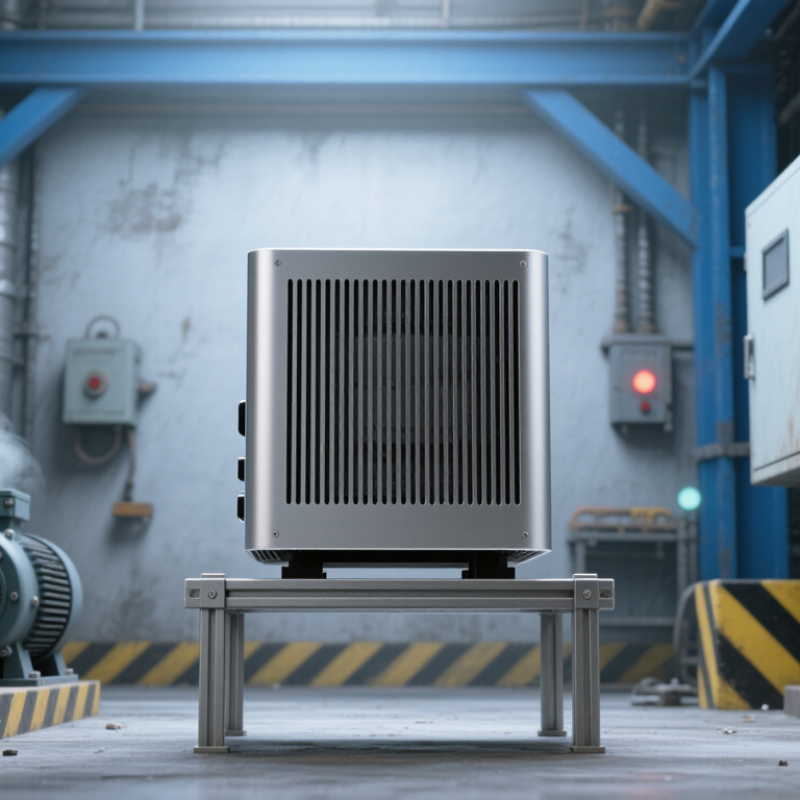
Fanless PCs transfer heat from processors and power components into a metal chassis or heat sink. Without fan-driven airflow, they do not actively draw workshop dust, textile fibers, or oil mist across circuit boards. That can mean fewer filters to clean and one less moving part to fail. There is a catch. The U.S. Department of Energy’s 2014 motor-systems sourcebook estimates that motor-driven systems use about 64% of U.S. industrial electricity. This broad figure is not a fanless-PC savings estimate; it simply shows why reducing unnecessary motor loads can matter.
Passive cooling still needs a clear path for heat to escape. ASHRAE’s 2021 Thermal Guidelines give 18–27°C as the recommended inlet-air range for several data-center equipment classes. That is a useful reference, not an industrial-PC rating: check the computer’s specified ambient range and test it under real workloads. A unit mounted flush against a warm cabinet wall may retain heat and throttle, even with no fan to clog. I would inspect temperature logs in the actual enclosure, because a tidy bench test can miss local hot spots.
No fan. Not no heat.
A fanless industrial PC removes one common failure point: the cooling fan. Fans can wear, seize, or lose efficiency as dust coats their blades. In a production area, a stopped fan may go unnoticed until processor temperatures rise and the system throttles or shuts down. Fewer moving parts can mean fewer routine replacements. That matters when a controller sits inside a cabinet above a noisy machine.
Still, fanless does not mean maintenance-free. Dust can settle on heatsink fins, especially near cutting, packaging, or textile equipment. A clogged surface sheds heat less effectively. Check the enclosure and temperature logs during scheduled service, and keep cable entries sealed as designed.
Also review storage choices: a rotating hard drive adds moving parts, while solid-state storage avoids that mechanism. Not every fanless computer is equally suited to heat, vibration, or a sealed cabinet. Leave room around the chassis for passive airflow, and verify its operating limits against actual cabinet temperatures.
Small details matter. In practice, the overlooked issue is often not the missing fan, but the dust layer nobody expected. Regular inspection remains sensible, even when the system appears clean.
In a dusty production area, fine powder can settle on heat sinks, connectors, and circuit boards. A cooling fan may draw airborne particles into a computer, where they can restrict airflow or coat components. A fanless design removes that intake path, but it does not automatically make the enclosure dustproof. Seams and cable entries still matter.
IEC 60529 defines IP5X as dust-protected: some dust may enter, provided it does not impair operation or safety. IP6X is dust-tight, meaning no dust enters during the specified test. The IEC test uses talcum powder at up to 2 kg per cubic metre, with an eight-hour exposure. That distinction matters. An IP5X enclosure may suit a controlled factory floor, while heavier dust exposure may call for IP6X. I still see ratings treated as guarantees for every installation; they are not. Check the complete computer, including connectors and mounting points, and match the rating to the actual dust conditions. A fanless PC can reduce one source of contamination, yet a weak seal can undo that advantage.
IP5X means dust ingress is not completely prevented, but any dust that enters must not interfere with satisfactory operation or safety. IP6X means no dust may enter during the specified test. A fanless design can eliminate fan openings, but the enclosure’s rating depends on the complete product design and testing.
Why Choose a Fanless PC for Industrial Applications?
Use the CPU’s thermal design power (TDP), in watts, as a starting point—not the full heat budget. A fanless system moves heat through its heat spreader and chassis, so sustained processor load matters. Compare the CPU’s TDP with the system’s rated ambient temperature range. That range refers to the air around the computer, not necessarily the temperature inside a control cabinet.
Picture a PC mounted beside a motor drive in a closed cabinet. The room may be cool, while cabinet air reaches 45°C during a long production run. Check that the system’s rating covers this ambient temperature and the intended CPU configuration. Also consider mounting orientation, nearby heat sources, and whether the chassis has clear contact with its mounting surface. Small details matter.
TDP alone cannot predict every operating temperature. Actual power draw changes with workload, and the chassis may shed heat differently in a cramped enclosure. A neat datasheet match can still disappoint. For critical installations, test the configured system under sustained load at the warmest expected ambient condition, then monitor temperatures over time. If the test is rushed, the result may feel reassuring without reflecting a full shift on the factory floor.
| Continuous ambient temperature at the system | Illustrative CPU TDP screening range | Thermal design considerations | What to verify before selection |
|---|---|---|---|
| Up to 40°C | About 15–25 W | A larger passive heatsink or finned enclosure may support a higher-power processor, provided heat can dissipate into the surrounding air. | Check the system’s rated operating temperature, CPU power limits, workload, installation clearance, and any mounting restrictions. |
| Above 40°C to 50°C | About 10–15 W | Higher ambient temperatures reduce the temperature difference available for passive heat transfer. Favor a lower-power CPU and an unobstructed heat path. | Confirm that the published ambient rating applies to the intended CPU and sustained workload, not only to a lower-power configuration. |
| Above 50°C to 60°C | About 6–10 W | Use a low-power processor and carefully assess enclosure temperature, nearby heat sources, dust buildup, and the thermal path to the chassis. | Require system-level temperature and workload validation at the specified ambient limit; do not infer the rating from CPU TDP alone. |
| Above 60°C | No general TDP range is reliable | High-temperature fanless operation is highly dependent on the complete system design and installation. A lower-TDP CPU does not by itself guarantee safe operation. | Select only a system explicitly rated for the required ambient temperature and verify its documented derating and operating conditions. |
| Important: The TDP ranges above are illustrative screening guidance, not universal product ratings. CPU TDP is a design specification and does not equal power consumption or heat output under every workload. Always match the processor and sustained workload to the complete system’s published ambient-temperature rating and validated thermal limits. | |||
A fanless PC removes the cooling fan, a moving part that can collect dust and wear. But fanless does not mean vibration-proof. In a control cabinet beside a press, repeated shaking can loosen connectors, stress solder joints, or damage a storage device. Small details matter. Ask for test results, not just a “rugged” label. IEC 60068-2-6:2007 describes sinusoidal vibration testing, while IEC 60068-2-27:2008 covers mechanical shock. These standards define test methods; they do not give every computer one universal pass level. The test severity must match the equipment’s expected environment.
Read the test report closely. It should identify the mounting method, frequency range, acceleration, test duration, axes, and any functional checks before and after testing. IEC 60068-2-27 recognizes pulse forms including half-sine, sawtooth, and trapezoidal; pulse shape and duration affect the stress applied. A useful report also records whether the PC stayed operational during testing, not only whether it powered on afterward. Not quite enough? Request the raw test conditions and clarify whether cables and storage were installed. A laboratory result cannot perfectly reproduce a vibrating factory floor. Still, it offers evidence you can compare against measured site conditions.

